What is a Cryptocurrency Wallet?
A cryptocurrency wallet is a digital tool that allows you to store, send, and receive digital currencies. Unlike traditional wallets, crypto wallets don't actually store your coins. Instead, they store your private keys, which give you access to your cryptocurrency on the blockchain.
Types of Cryptocurrency Wallets
Before setting up a wallet, it's important to understand the different types available:
- Hardware Wallets: Physical devices that store your keys offline (most secure)
- Software Wallets: Applications on your computer or smartphone
- Web Wallets: Online wallets accessible through a browser
- Paper Wallets: Physical documents containing your keys
Step-by-Step Wallet Setup Guide
Step 1: Choose Your Wallet Type
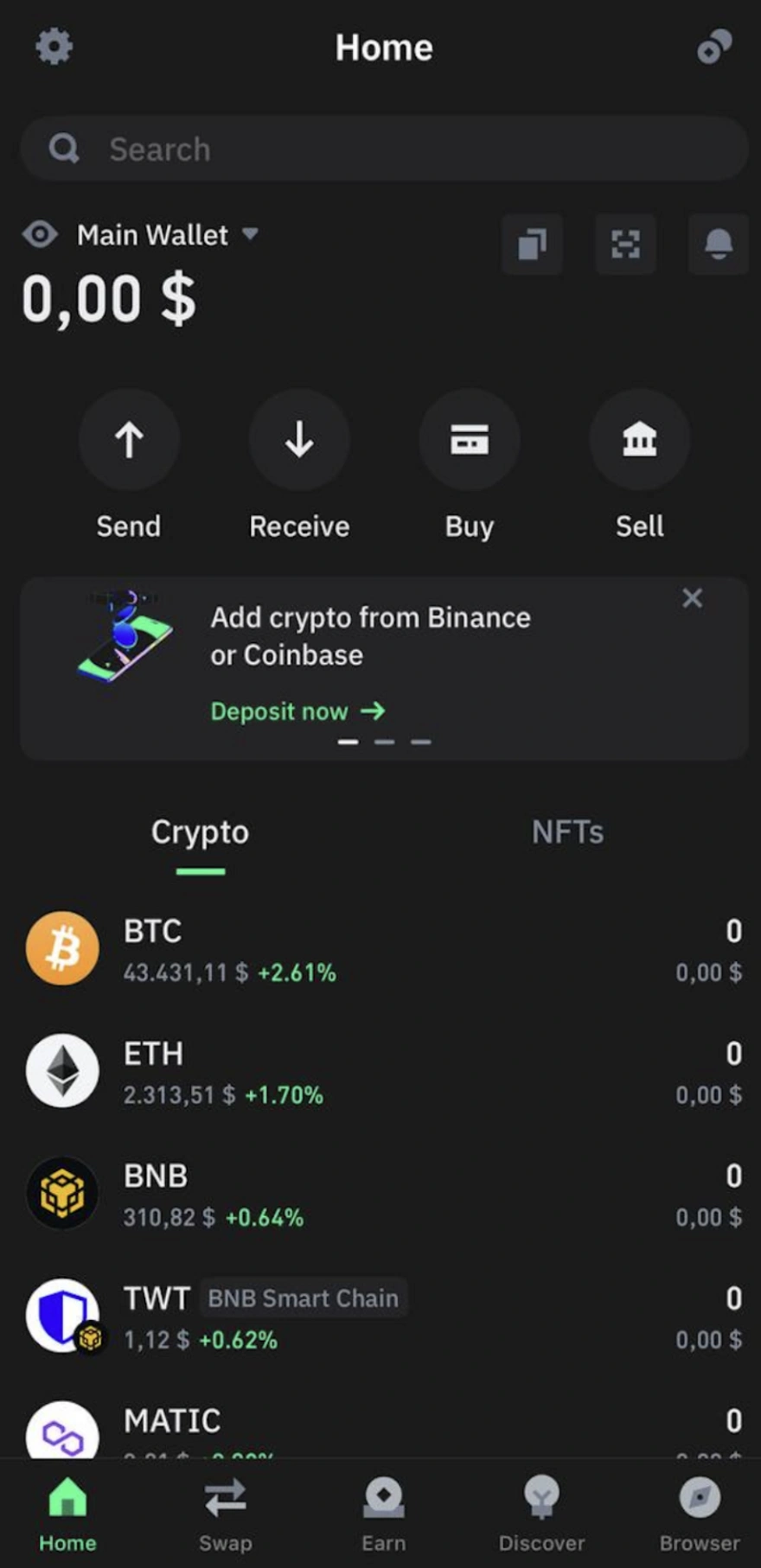
Select a wallet that matches your needs. For beginners, a reputable software wallet or hardware wallet is recommended. Research different options and read reviews from trusted sources.
Step 2: Download and Install
Download the wallet application from the official website or app store. Always verify you're downloading from the legitimate source to avoid phishing attempts and malware.
Step 3: Create a New Wallet
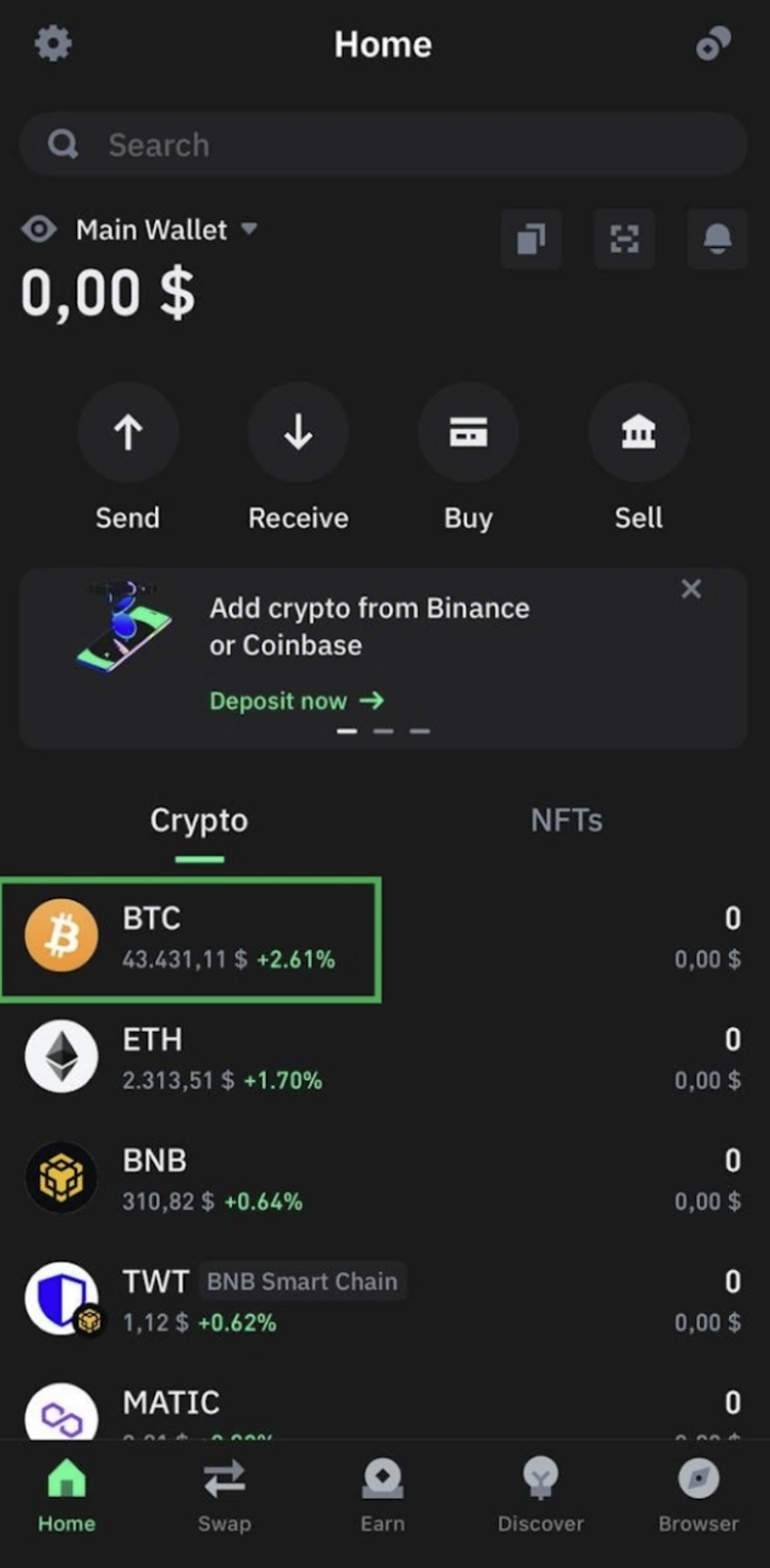
Open the application and select the option to create a new wallet. You'll typically be asked to create a strong password. Make sure it's unique and complex.
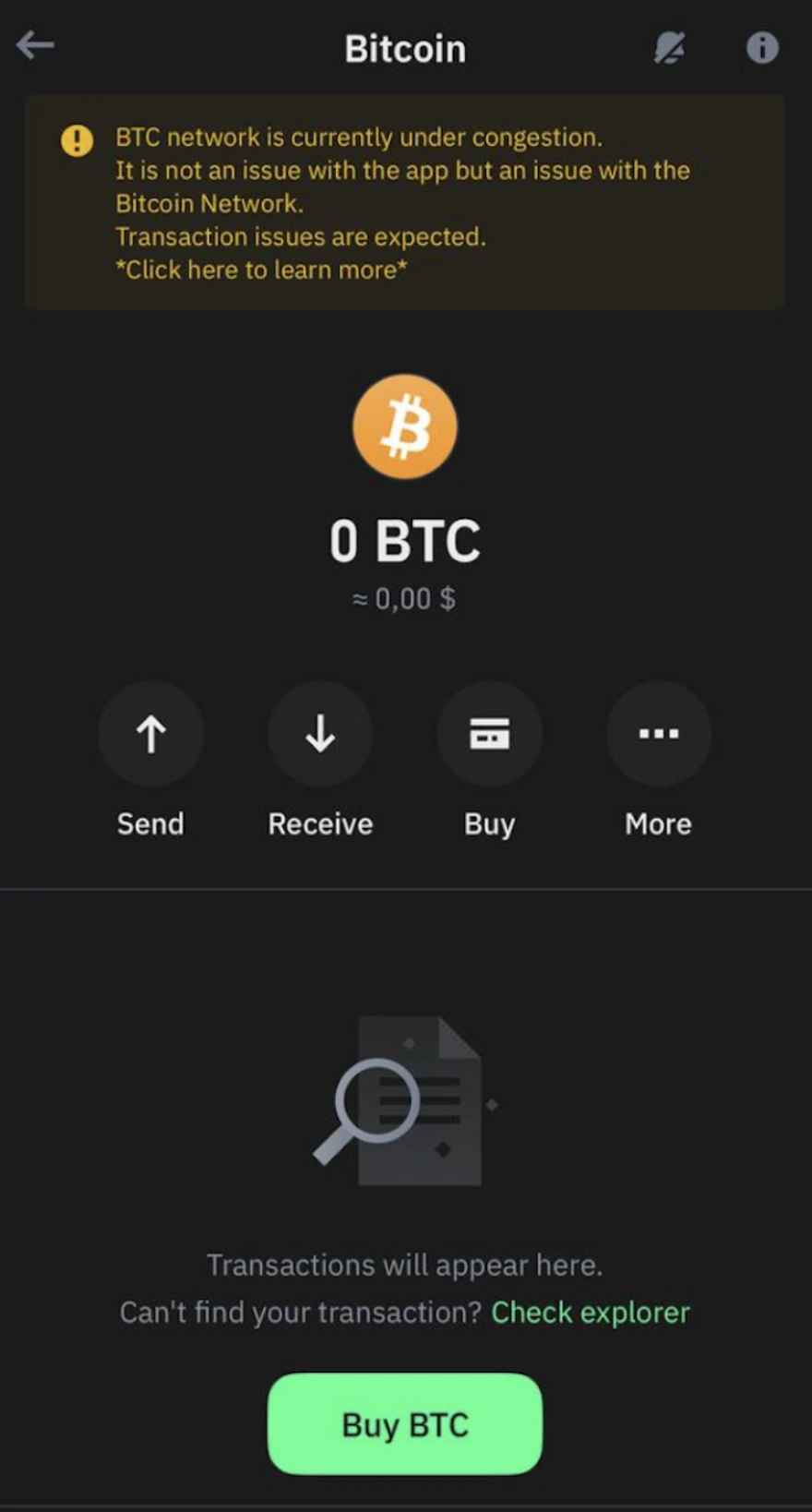
Step 4: Backup Your Recovery Phrase
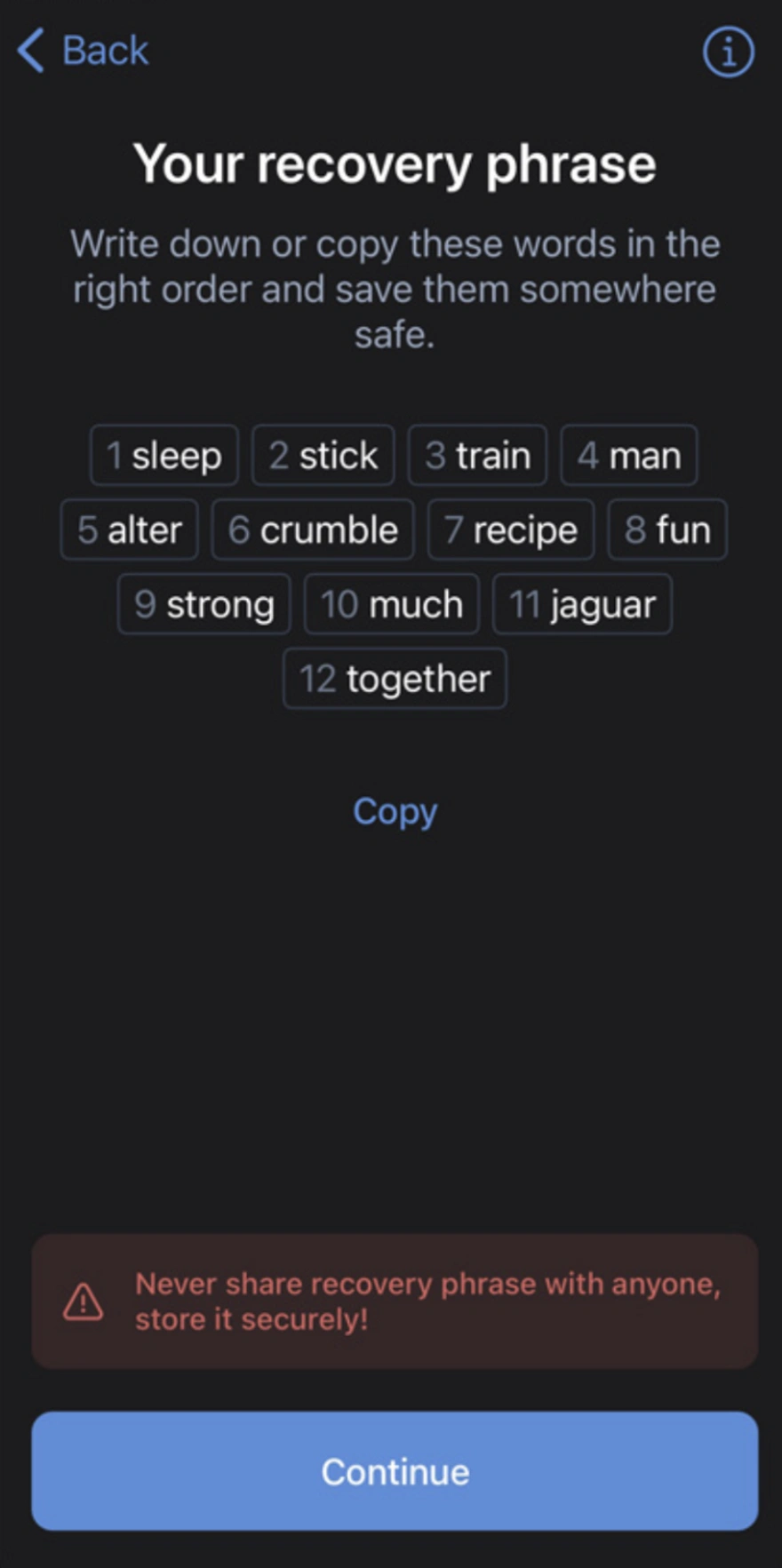
This is the most critical step. Your wallet will generate a recovery phrase (also called a seed phrase) consisting of 12-24 words. Write these words down on paper in the exact order they appear. Never store them digitally or take a screenshot.
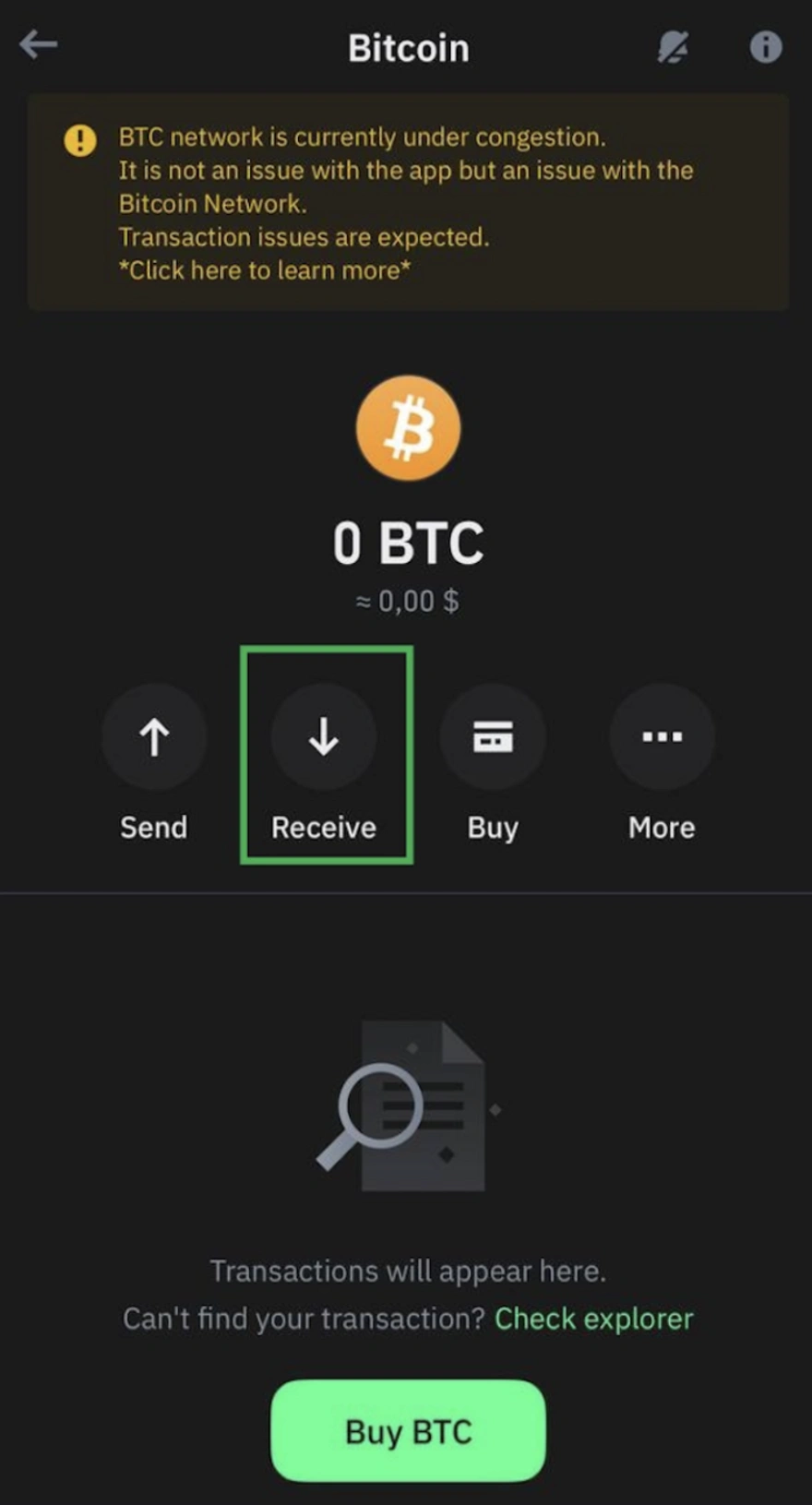
Step 5: Verify Your Recovery Phrase
Most wallets will ask you to verify your recovery phrase by entering the words in the correct order. This ensures you've correctly recorded your backup.
Step 6: Enable Additional Security Features
Activate all available security features such as two-factor authentication (2FA), biometric authentication, and PIN codes. These add extra layers of protection to your wallet.
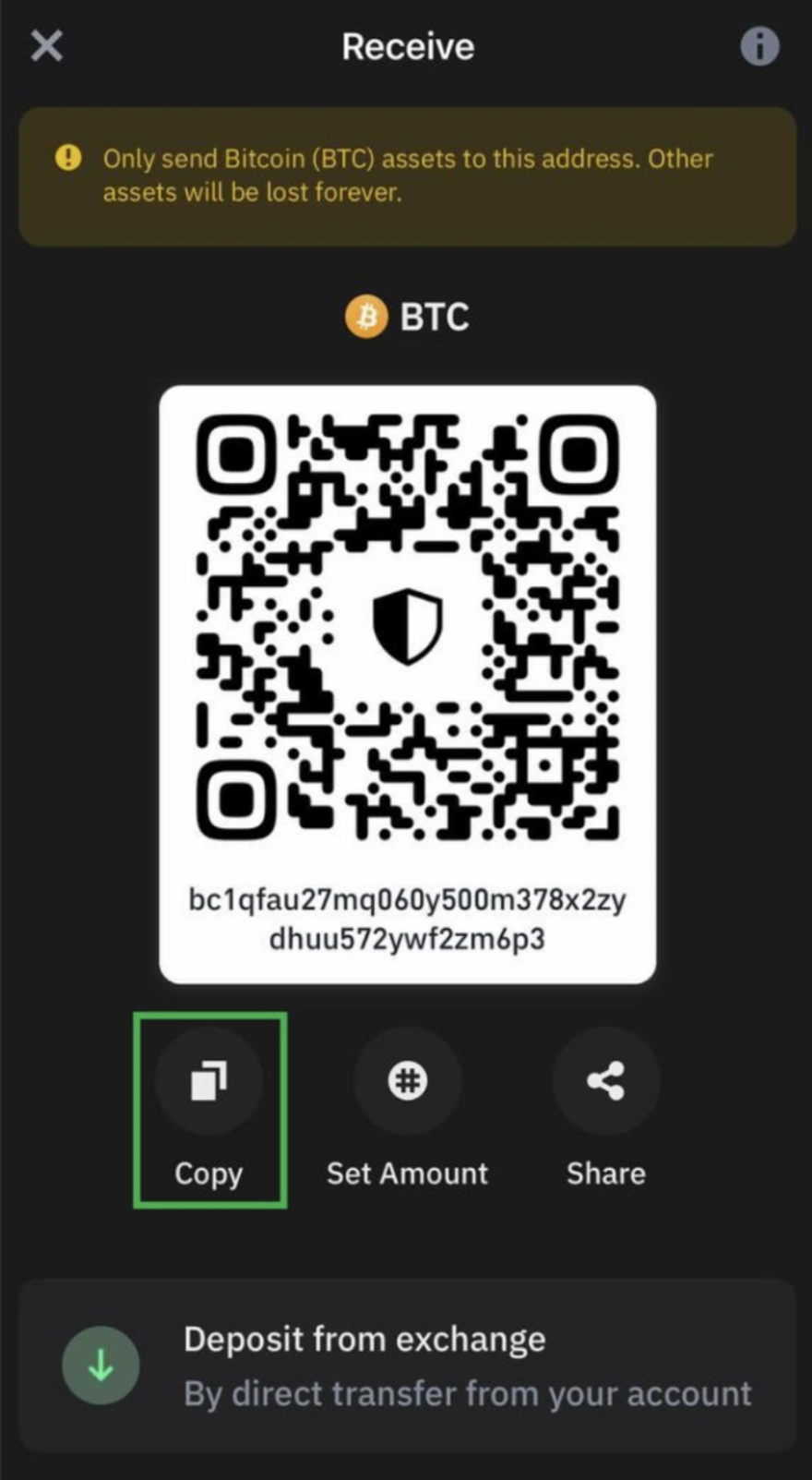
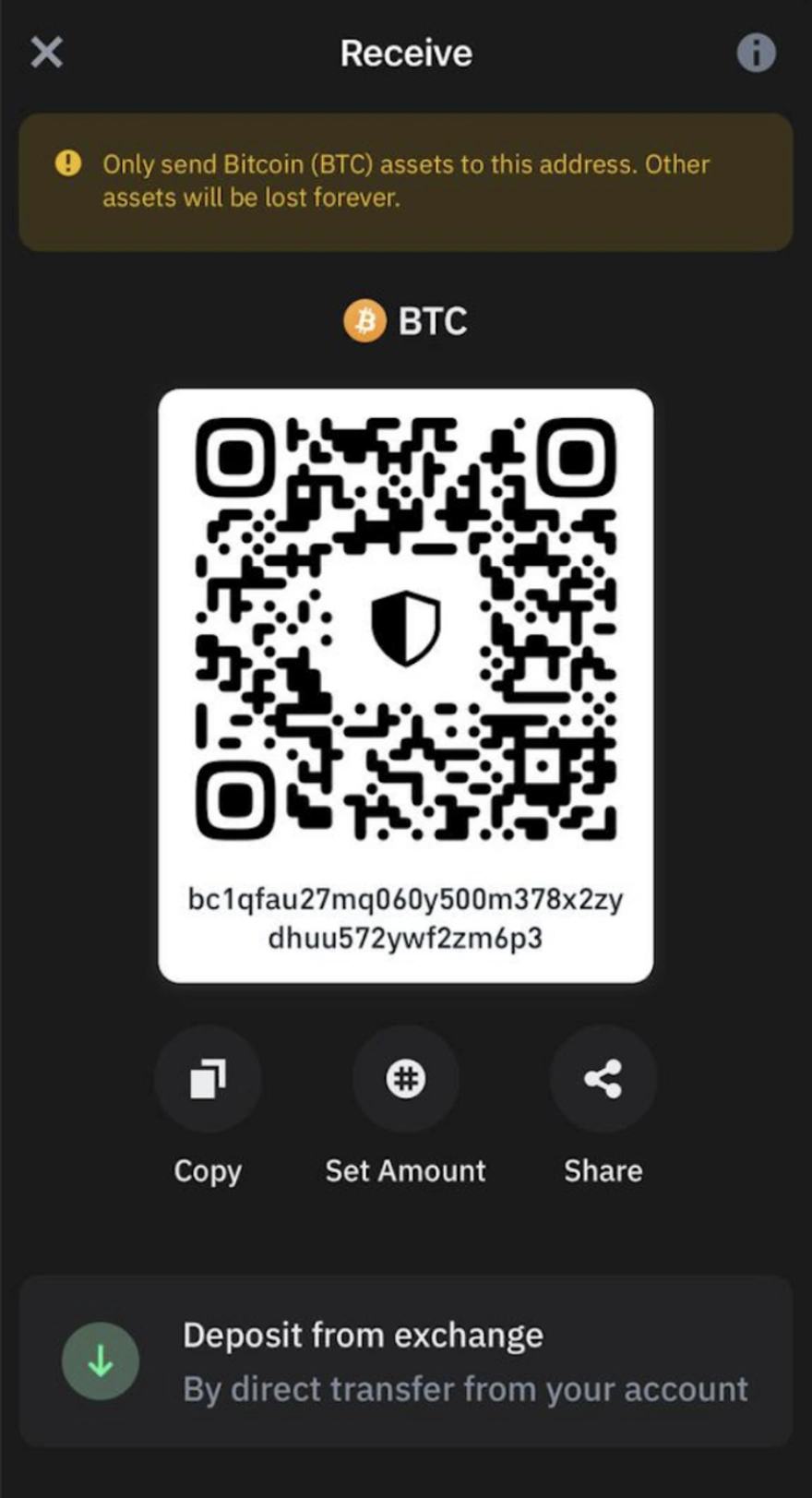
Step 7: Get Your Wallet Address
Your wallet address is like your bank account number. It's a long string of characters that others will use to send cryptocurrency to you. You can share this address publicly.
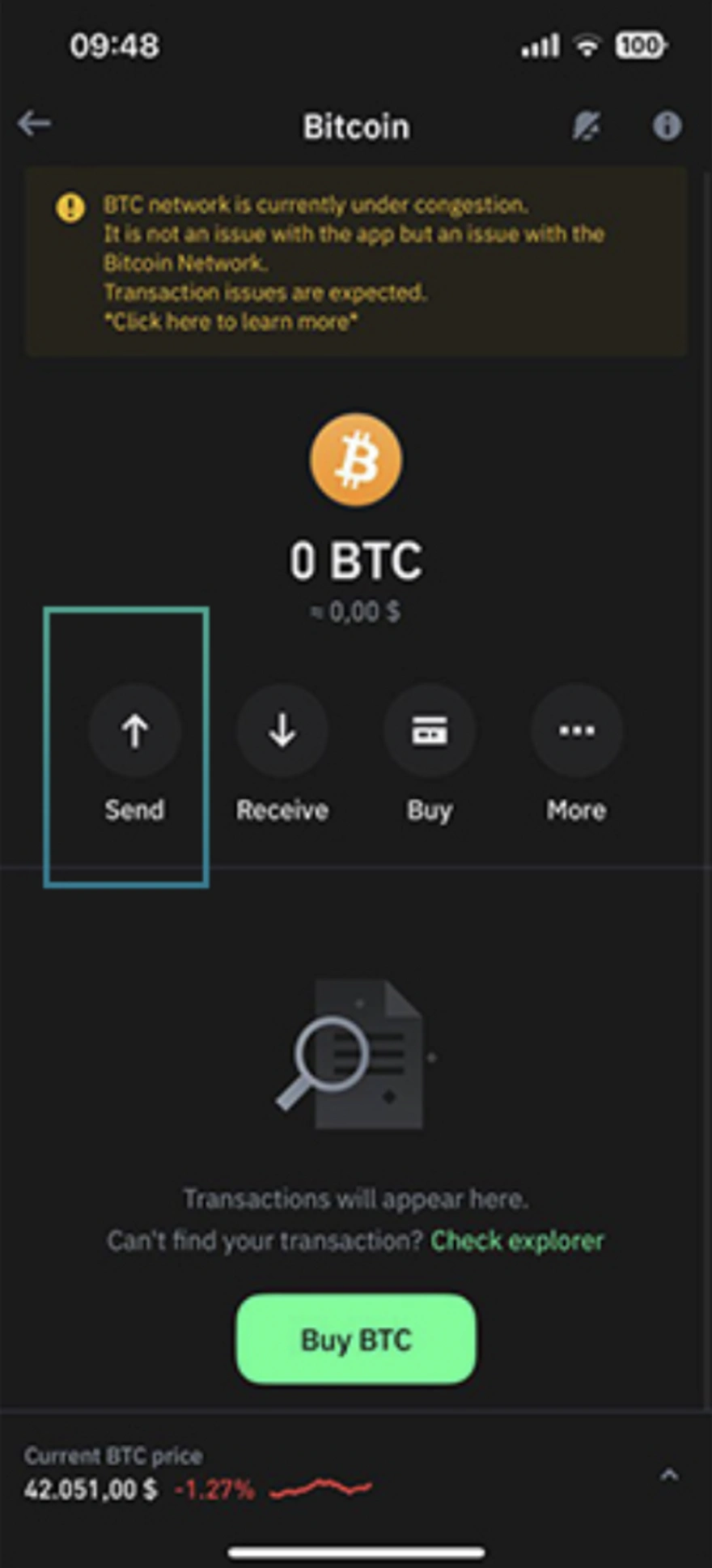
Step 8: Make a Small Test Transaction
Before receiving or sending large amounts, test your wallet with a small transaction. This helps you familiarize yourself with the process and verify everything works correctly.
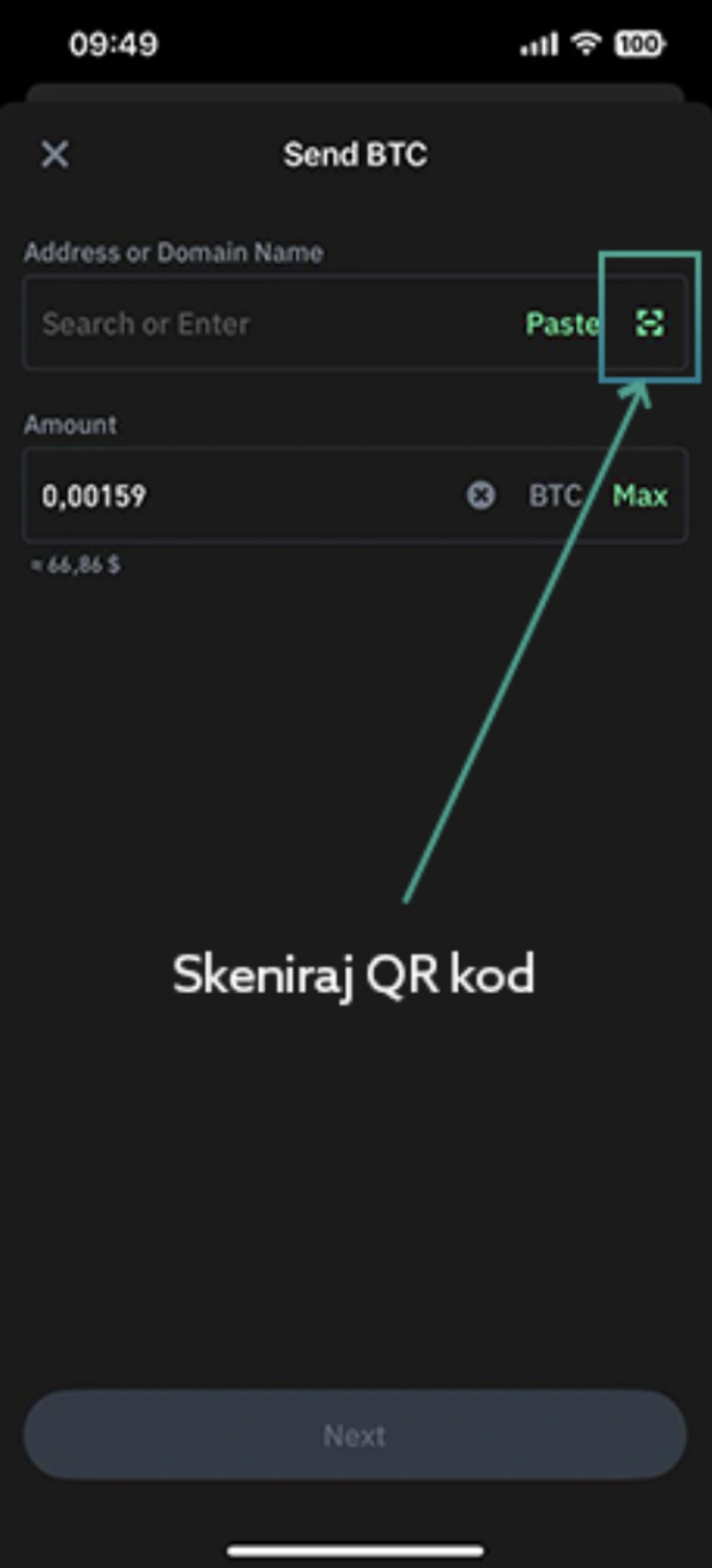
Step 9: Store Your Backup Safely
Keep your recovery phrase in a secure location, preferably in multiple physical locations. Consider using a fireproof and waterproof safe. Never share it with anyone.
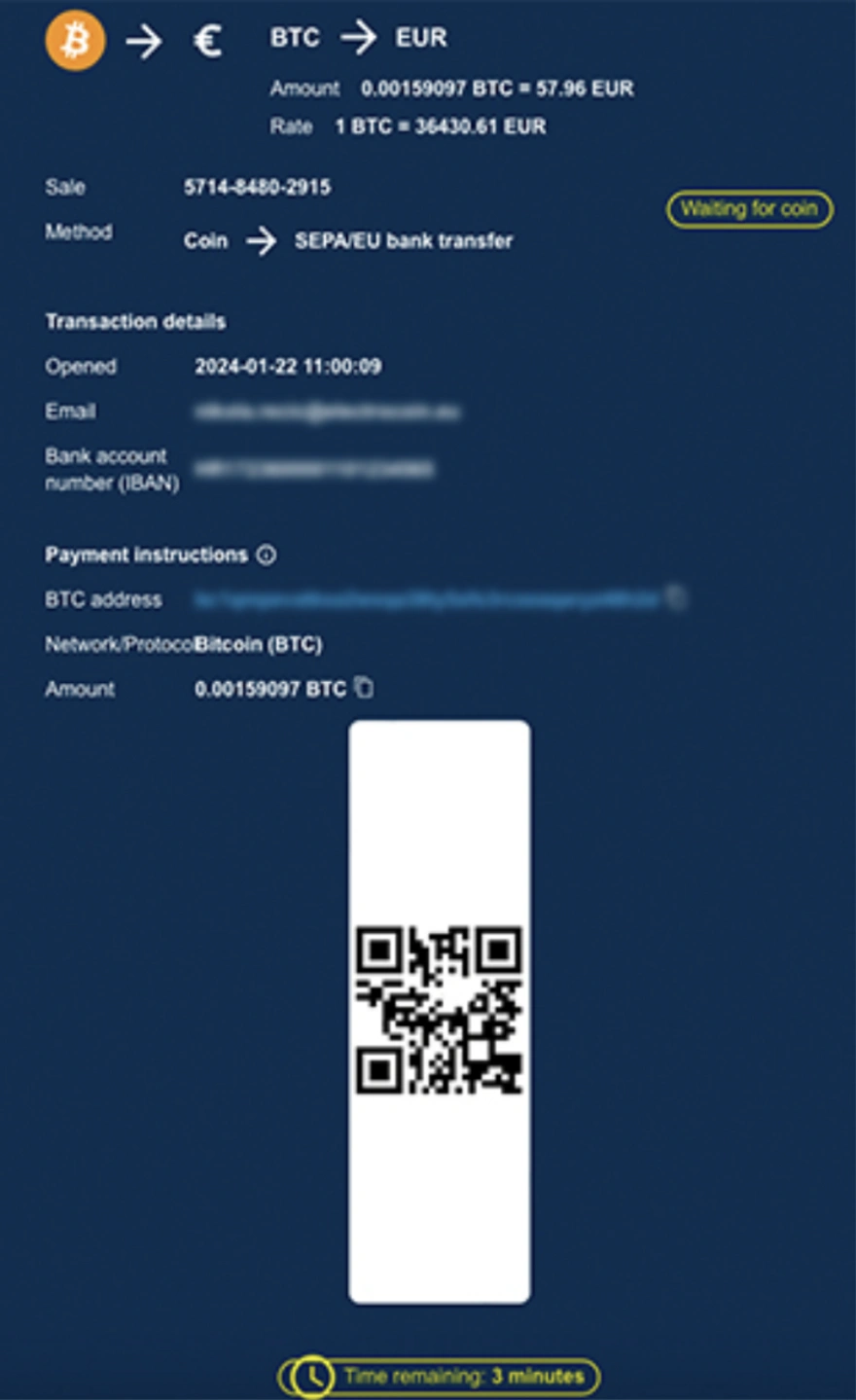
Step 10: Keep Your Wallet Updated
Regularly update your wallet software to ensure you have the latest security features and bug fixes. Enable automatic updates if available.
Security Best Practices
- Never share your private keys or recovery phrase with anyone
- Use strong, unique passwords for your wallet
- Enable all available security features
- Keep your wallet software up to date
- Be cautious of phishing attempts
- Consider using a hardware wallet for large amounts
- Create multiple backups of your recovery phrase
- Test your backup by recovering your wallet on another device
Common Mistakes to Avoid
- Storing recovery phrases digitally or in cloud storage
- Using weak or reused passwords
- Skipping the backup process
- Sharing wallet credentials with others
- Clicking on suspicious links in emails or messages
- Not verifying the authenticity of wallet applications
- Keeping all funds in online exchanges
What to Do If You Lose Access
If you lose access to your wallet but have your recovery phrase, you can restore your wallet on any compatible device. This is why backing up your recovery phrase is so critical. Without it, your cryptocurrency may be permanently inaccessible.